Secret Manager
Passwords and keys, out of your code.
Secret Manager keeps the passwords, tokens and keys your apps need, encrypted. Each change is a new version, reading a value is a permission of its own, and every read is written down.
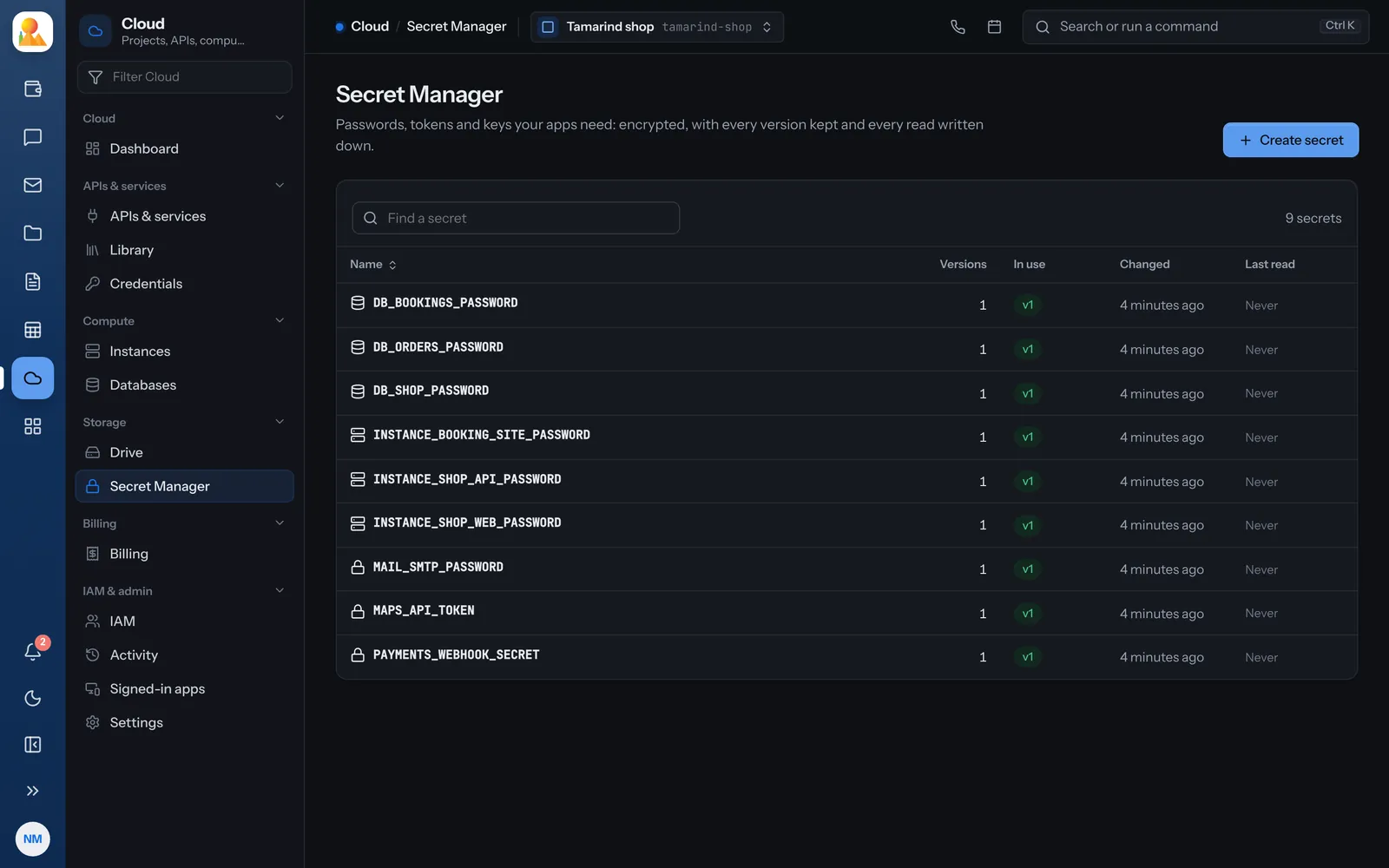
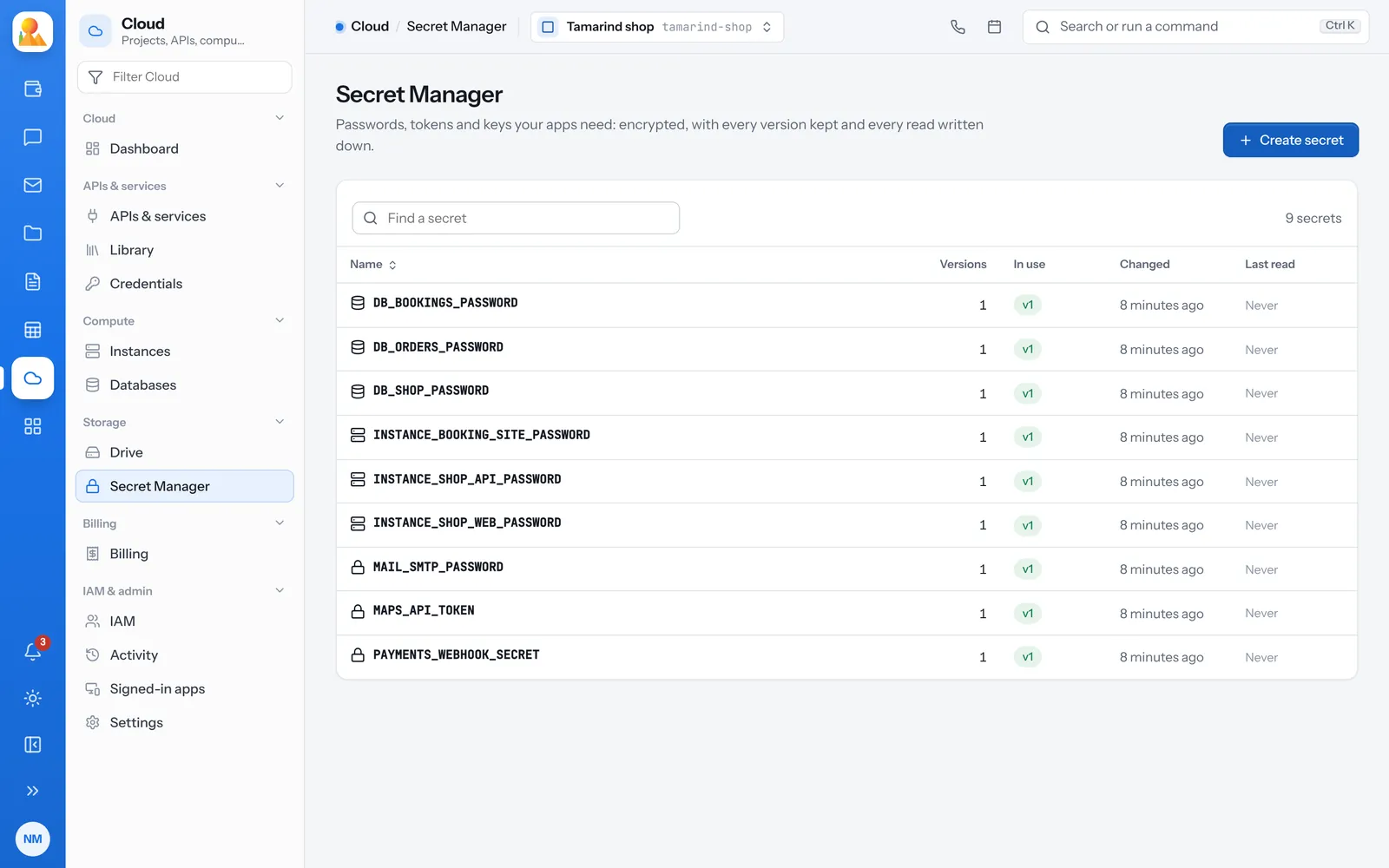
Versions
Every change is a new version.
Add a version when a password changes. Old versions can be turned off and back on, or destroyed for good.
- Turn a version off to stop it being read
- Destroy a version you never want back
- A deleted secret can be brought back for 30 days
- Set a reminder to rotate it every so many days
Access
Reading a value is its own permission.
Seeing that a secret exists and reading what is in it are different things.
-
Secret reader
For apps and deploys: may read values, and nothing more. -
Viewers never read values
The Viewer role sees names and versions only. -
Every read recorded
Who read which secret, and when, is written down. -
Made for you
Passwords for instances, databases, FTP logins and drives go here as they are made.
Questions
Questions about Secret Manager.
Encrypted with XChaCha20-Poly1305, under a key derived from your install’s own secret.
Owners, and people given a role that may read values, such as Secret reader. Viewers and Editors can’t.
Yes, for 30 days.
Move your secrets out of your code.
Make a secret from the project’s Secret Manager.