Broos IO Cloud
Run your apps, APIs and data from one console.
Broos IO Cloud gives every project its own APIs and keys, instances for sites and apps, MySQL and PostgreSQL databases, drives and a Secret Manager, with roles, an activity log and budgets around them.
Your first project is ready the first time you open Cloud.
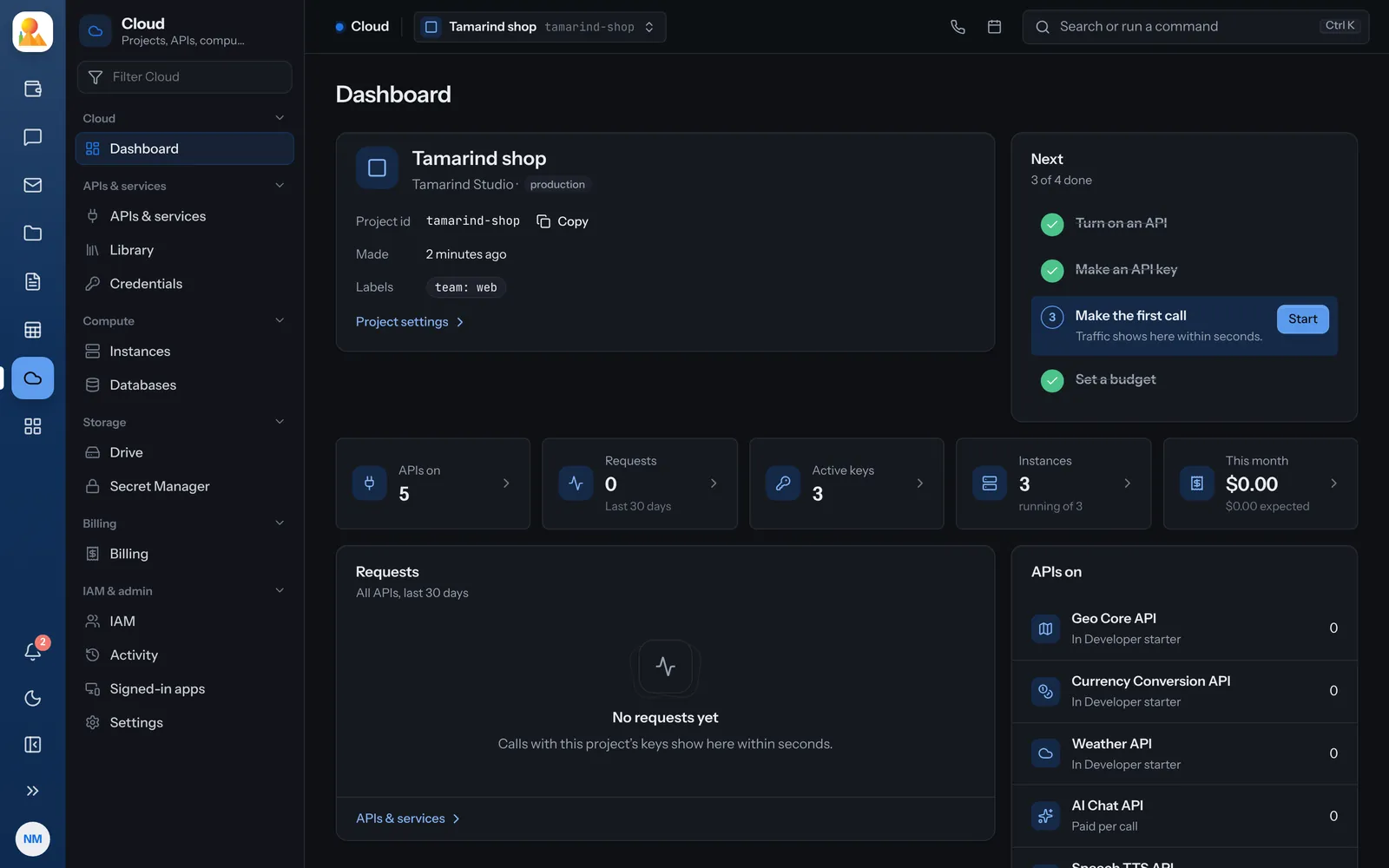
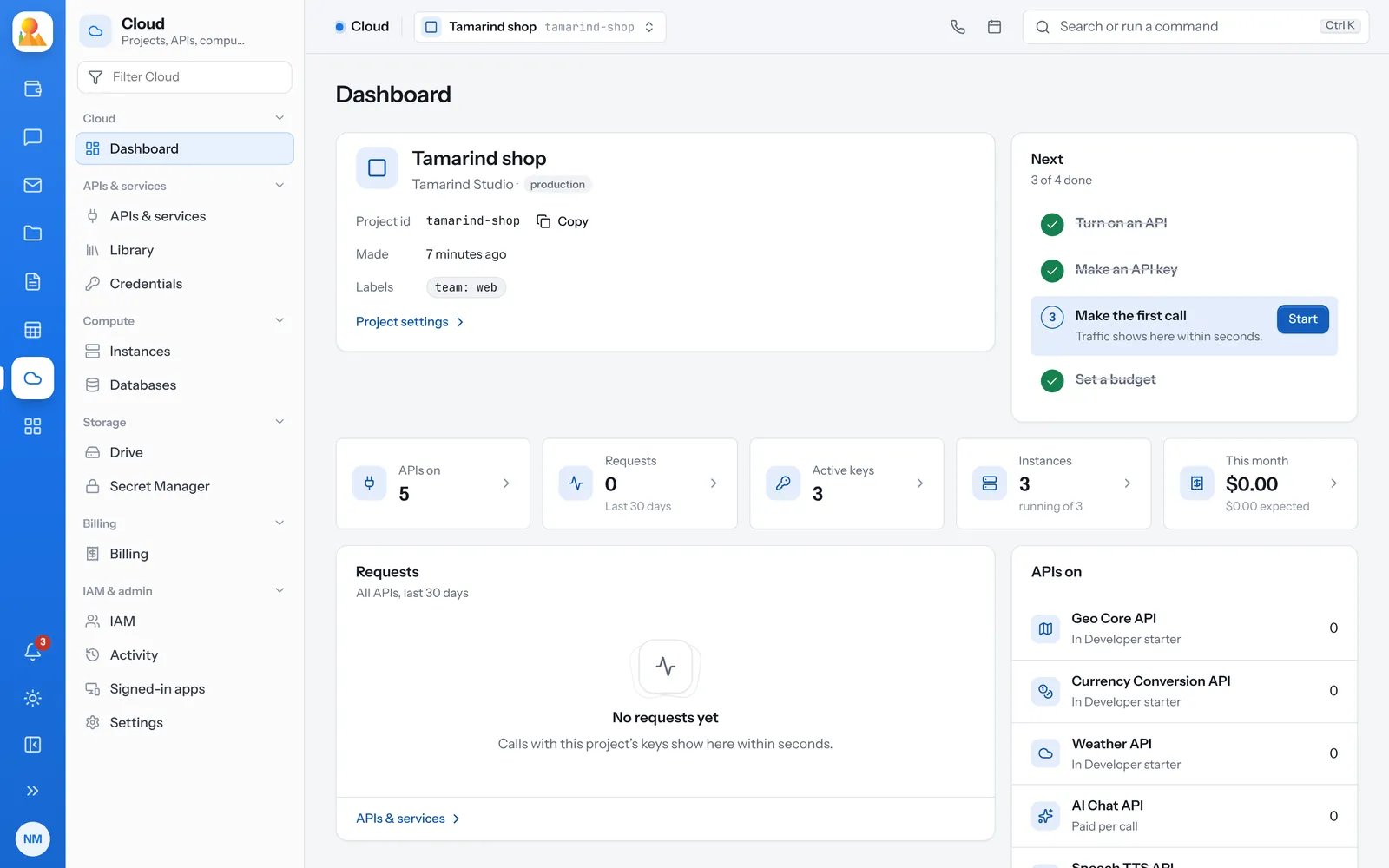
Everything a project needs, in one place.
Each service lives inside a project, so its people, keys, costs and history stay together.
-
Instances
Servers for sites and apps, each with its domain, HTTPS, FTP logins and one-click apps. -
Databases
MySQL or PostgreSQL on your instances. Each password goes straight into Secret Manager. -
Drives
File storage with sync, sharing and office apps, one drive per team or person. -
Secret Manager
Passwords, tokens and keys your apps need: encrypted, versioned, every read written down. -
APIs and keys
A library of APIs to turn on, and keys you can hold to APIs, addresses, websites and a daily limit. -
AI and speech
Chat through an OpenAI-compatible gateway, text to speech and speech to text, called with the same keys.
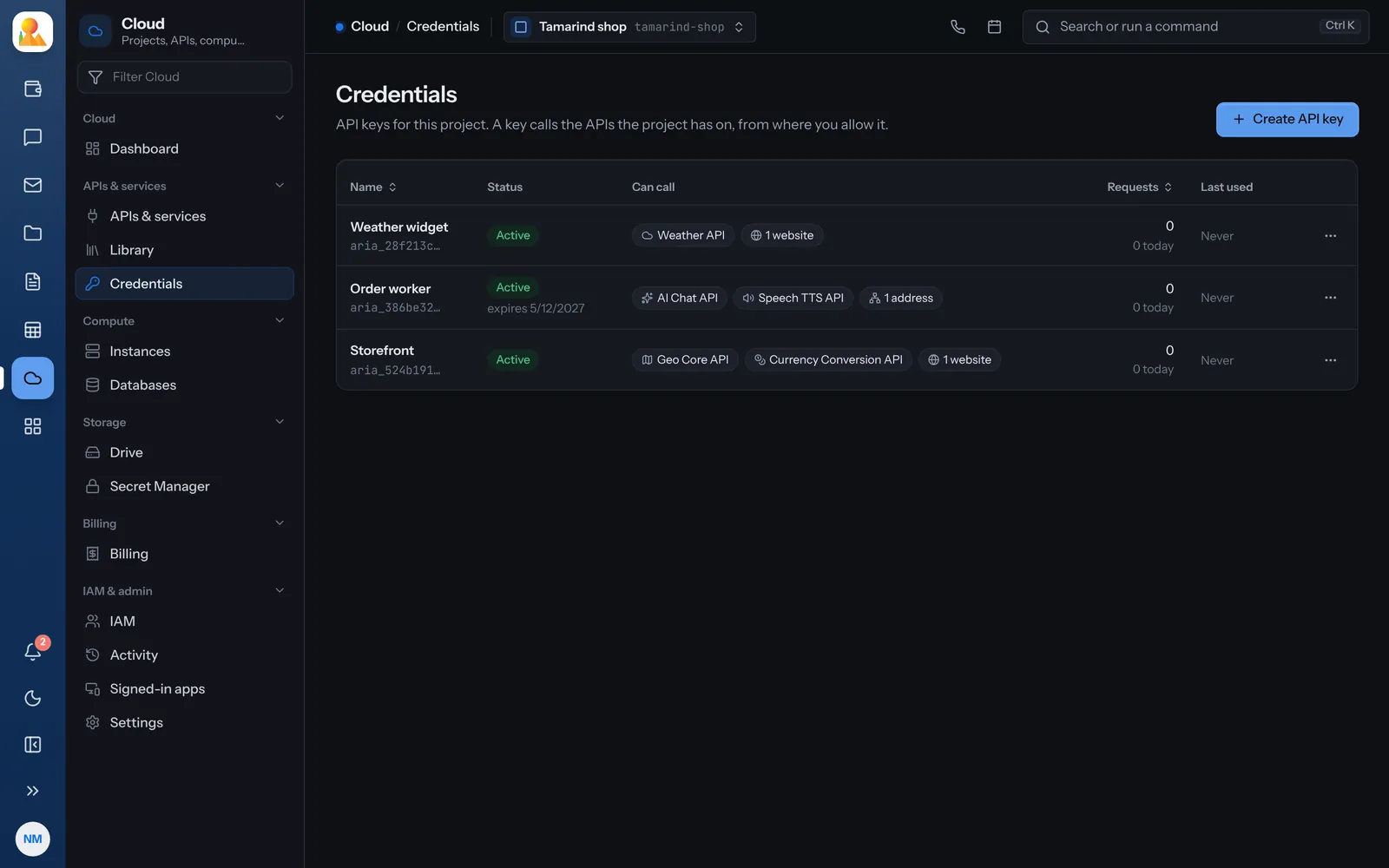
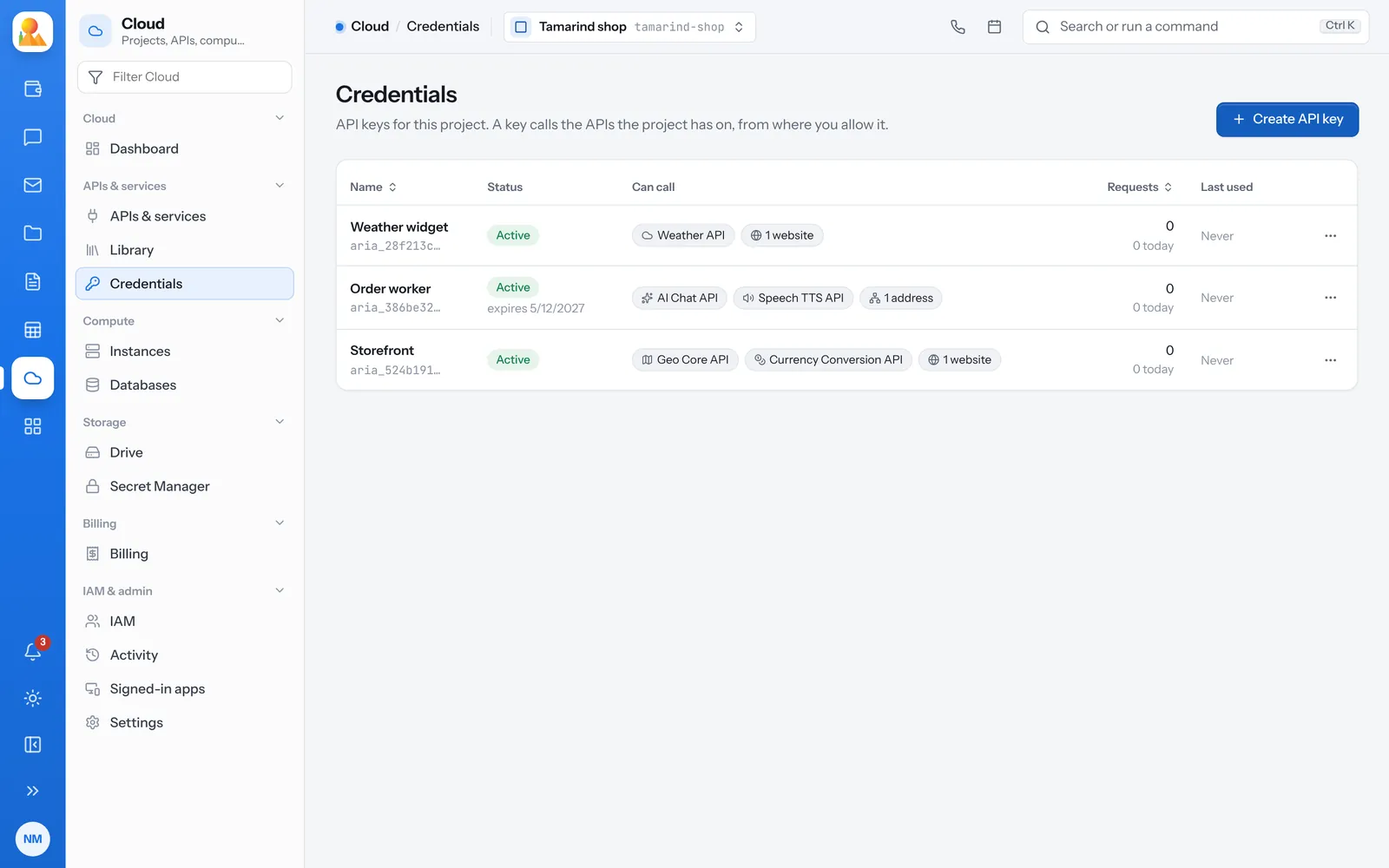
Keys that call only what they should.
A project key can call every API the project has on, or only some. Hold it to IP addresses or websites, give it an end date and a daily limit, and rotate it without breaking the apps that use it.
- The secret is shown once and stored only as a hash
- Rotating keeps the old secret working for the grace period you choose
- A deleted key can be brought back for 30 days
Sites and apps on servers you can see.
Pick a region and a machine type, give the instance a domain, and Cloud makes it step by step while you watch. Its admin password goes into Secret Manager, never onto a page.
- Turn HTTPS on, change the PHP version, add FTP logins
- Install WordPress and the other apps its server offers
- Stop, resize and delete with undo: a deleted instance waits seven days
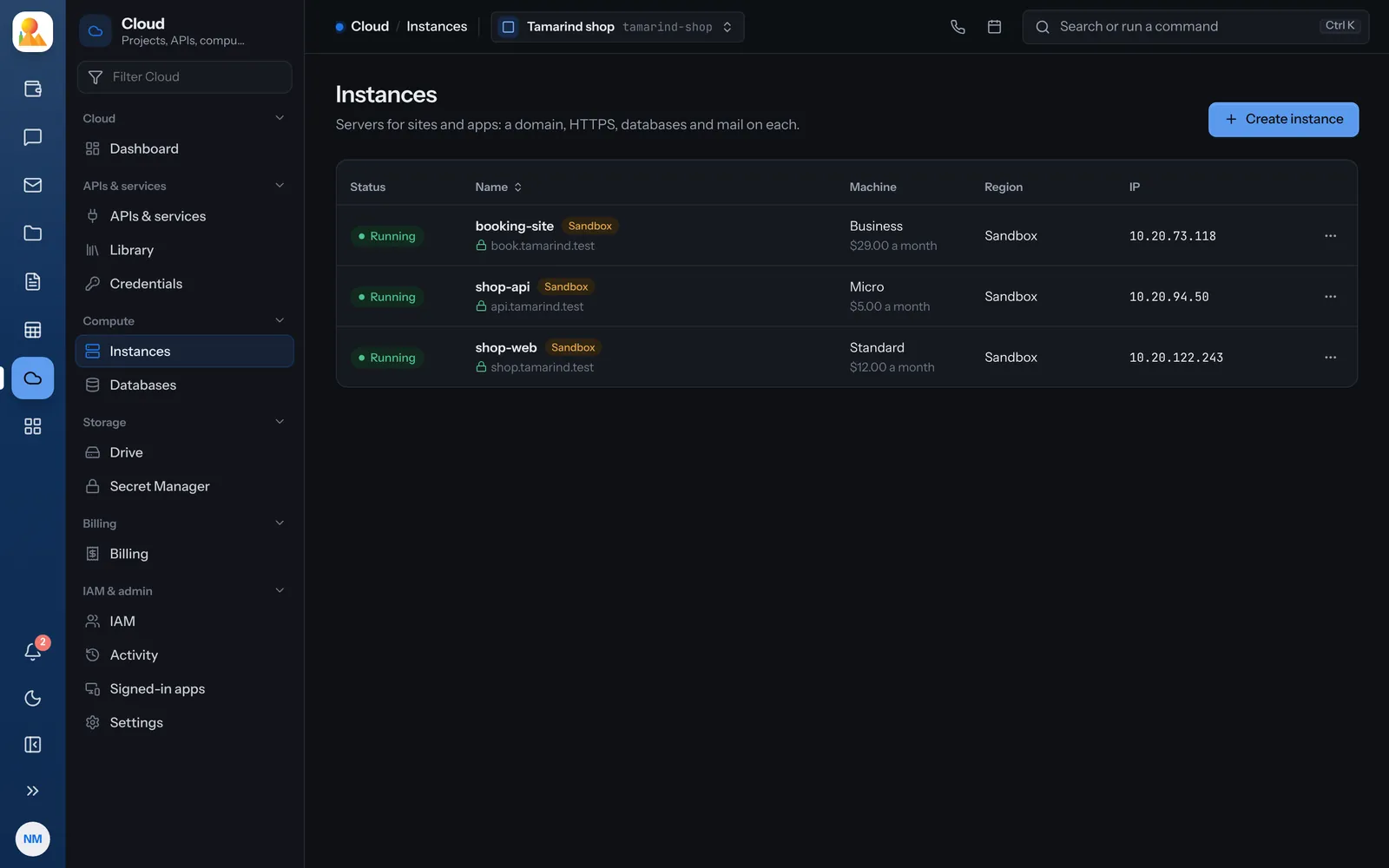
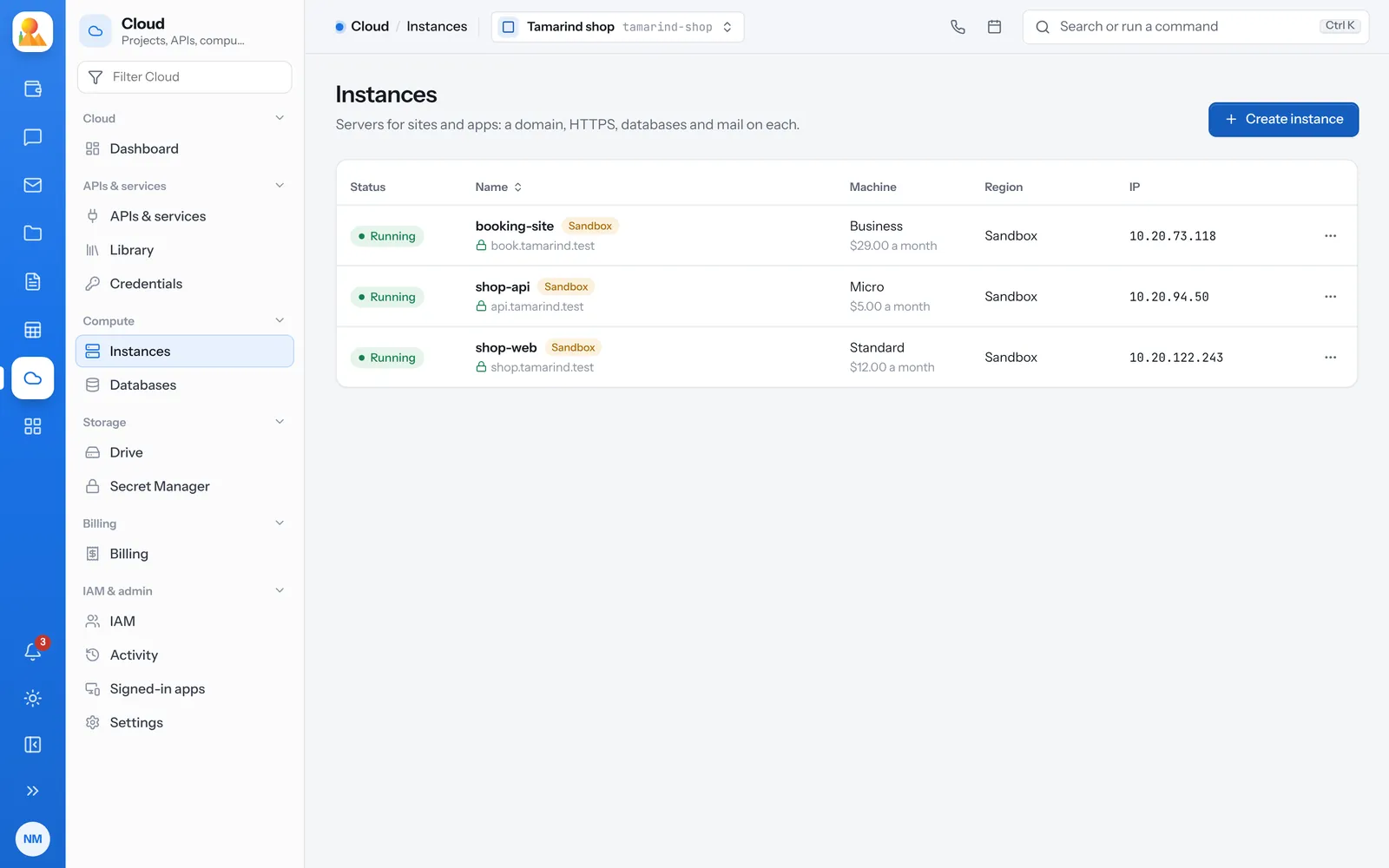
From an account to your first API call.
The same path the console walks you through on a new project.
Create an account
The first time you open Cloud, you get an organization and a first project.
Turn on an API
Pick one from the library, or put a bundle on the project.
Make a key
Copy its secret once, and hold it to what it should call.
Call it
Send the key in the Authorization header. Traffic shows on the dashboard within seconds.
curl "https://cloud.broos.io/api/cloud/weather/now?lat=-15.4&lon=28.3" \ -H "Authorization: Bearer $CLOUD_KEY"Every API is described in OpenAPI at /api/cloud/openapi.json.
Is it right for you?
A good fit when
- You run PHP sites or apps and want a database beside them
- You call geo, currency, weather, AI or speech APIs from your own apps
- You want keys, secrets, roles and budgets in one place
- You want to see who changed what, and undo it
Something else may suit you when
- You need to run containers you build yourself
- You need serverless functions or a managed queue
- You need a region Broos Action doesn’t run yet: ask us
Questions people ask first.
Broos Action’s cloud: projects with APIs and keys, instances, MySQL and PostgreSQL databases, drives, Secret Manager, roles and billing, run from one console.
Create an account and open Cloud. Your organization and first project are made for you; then turn on an API or make an instance.
Instances have a monthly price per machine type. APIs are paid per call or through a monthly bundle. The pricing page shows the current prices.
Their role decides: Owner, Editor, Viewer, or a narrower one such as Billing viewer or Secret reader. Roles on an organization reach every project in it.
Start with a project today.
Your first project is ready the first time you open Cloud.