Instances
Servers for your sites and apps.
An instance is a server in the region you choose, with its own domain, HTTPS, FTP logins, databases and one-click apps. You pick its machine type and can change it later.
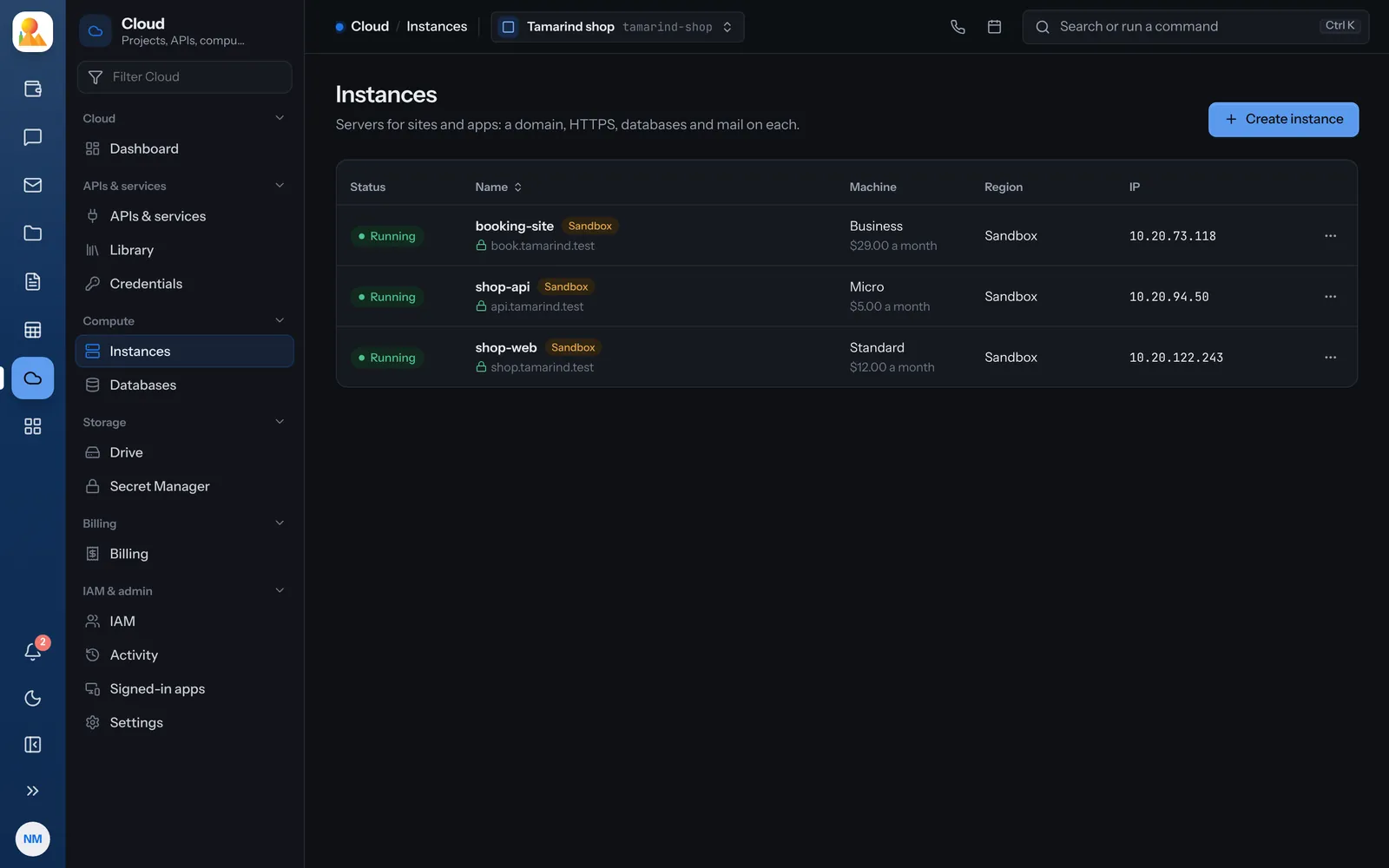
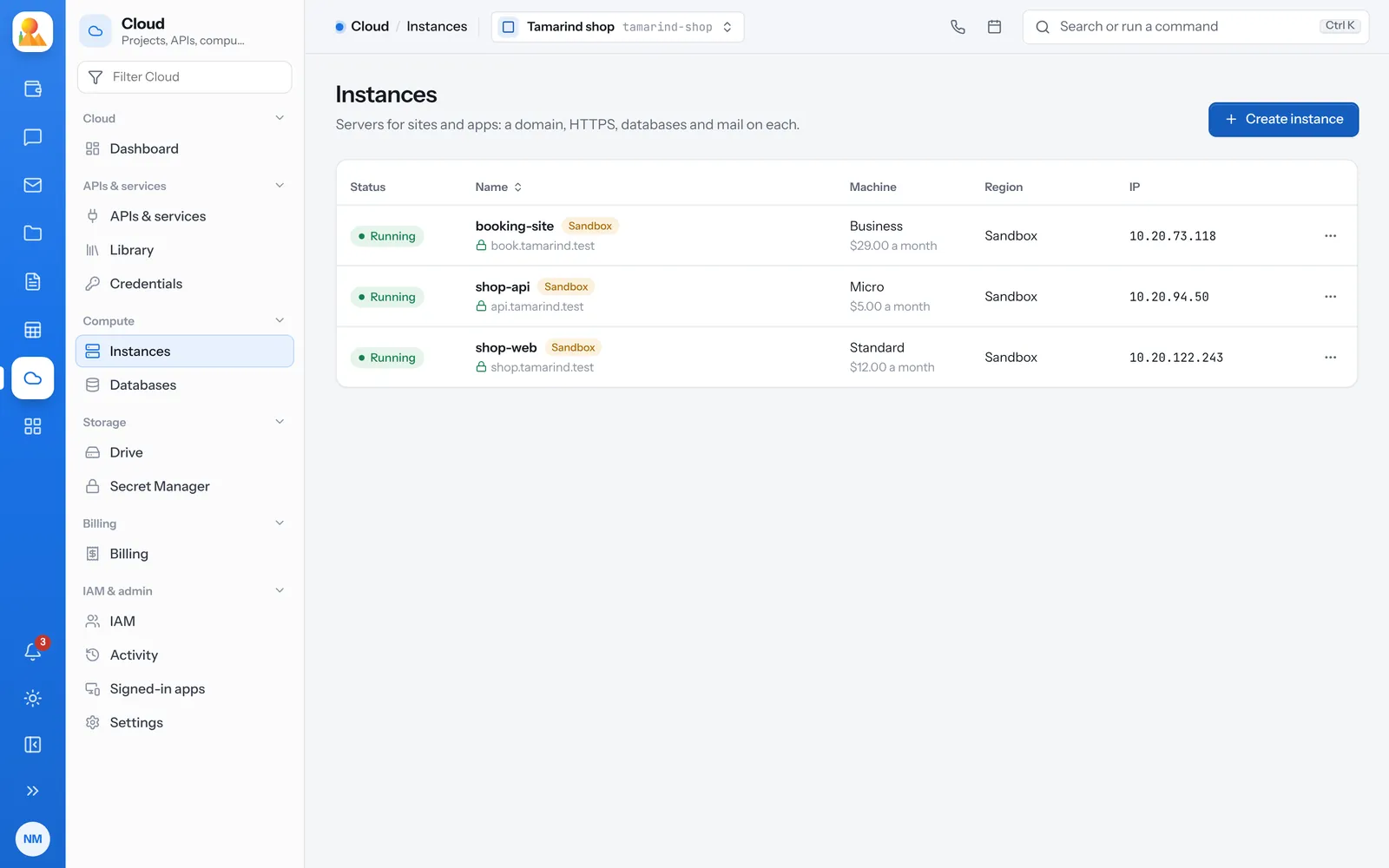
You watch it being made.
Making an instance is an operation with steps, and the console follows each one and says how it ended. Its admin password goes straight into the project’s Secret Manager.
- Choose a region and a machine type: Micro, Standard, Business or Pro
- Bring your own domain, and check whether it points at the server yet
- If payment comes first, Cloud takes you to checkout and makes the instance once it’s paid
-
Micro
A small site or API. -
Standard
Most sites and apps. -
Business
Busy sites and shops. -
Pro
Large apps and many sites.
What you can do with an instance.
All from its page in the console.
-
HTTPS
Turn HTTPS on for the instance’s domain from the console. -
PHP version
Change the PHP version a site runs on. -
FTP logins
Add and remove FTP logins. Their passwords are kept in Secret Manager. -
One-click apps
Install WordPress and the other apps the instance’s server offers, or your own Aria Studio. -
Databases
Add MySQL or PostgreSQL databases, as many as the machine type holds. -
A terminal
People given the server shell can open an SSH session to an instance they manage.
Mistakes can be taken back.
Stopping and resizing can be undone. Deleting stops the instance at once and removes it for good only after seven days, so it can still be restored.
- Start and stop
- Change the machine type, and change it back
- Restore a deleted instance within seven days
Questions about instances.
A server for sites and apps, in a region you choose, with a domain, HTTPS, FTP logins, databases and one-click apps.
Yes. Resize it from the console; the change can be undone.
WordPress and the other apps the instance’s server offers, and Aria Studio.
It stops at once and is removed for good after seven days. Until then you can restore it.