Databases
MySQL and PostgreSQL beside your app.
Add a MySQL or PostgreSQL database to any instance in your project. The console shows its host, port and user; its password goes straight into Secret Manager.
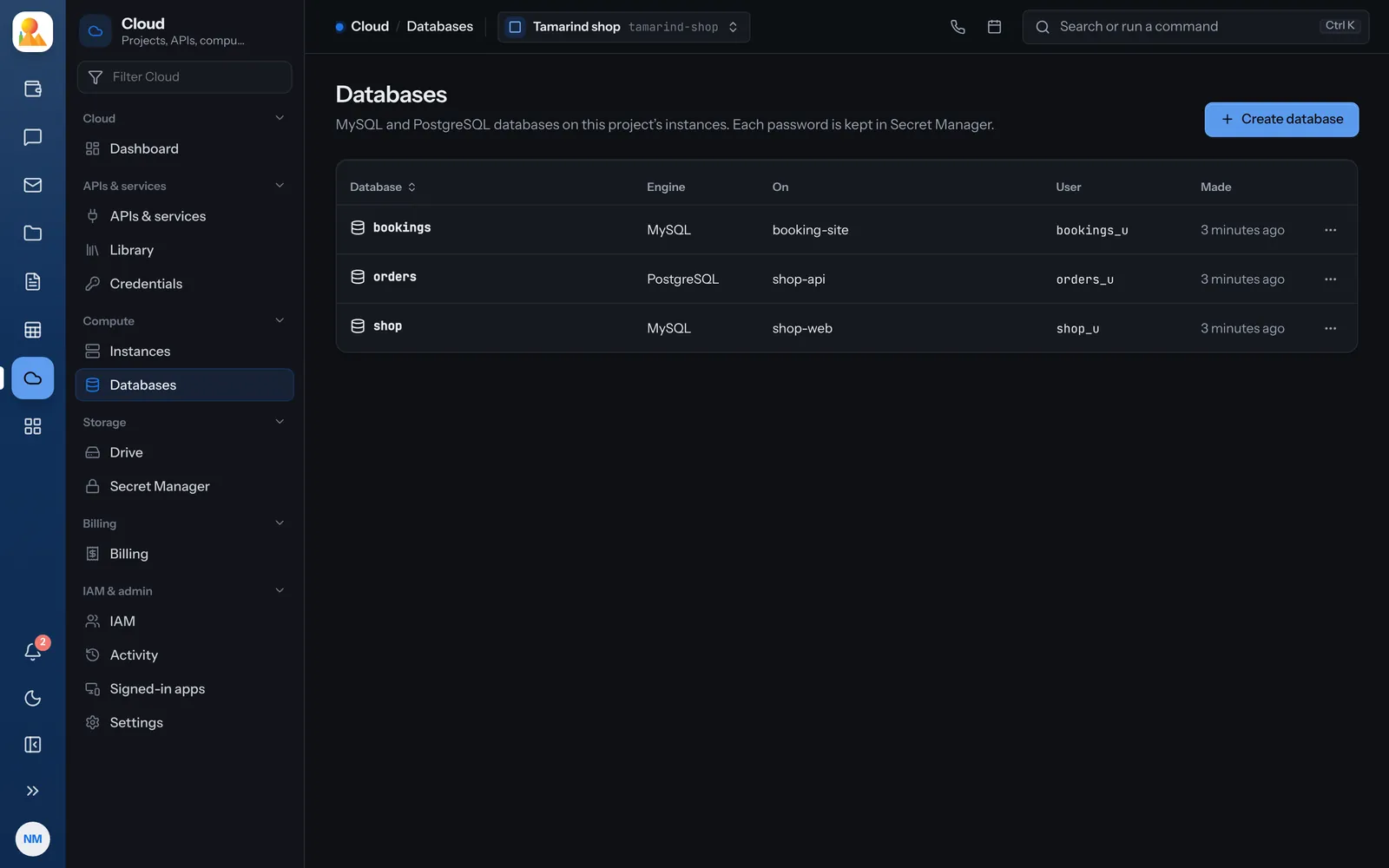
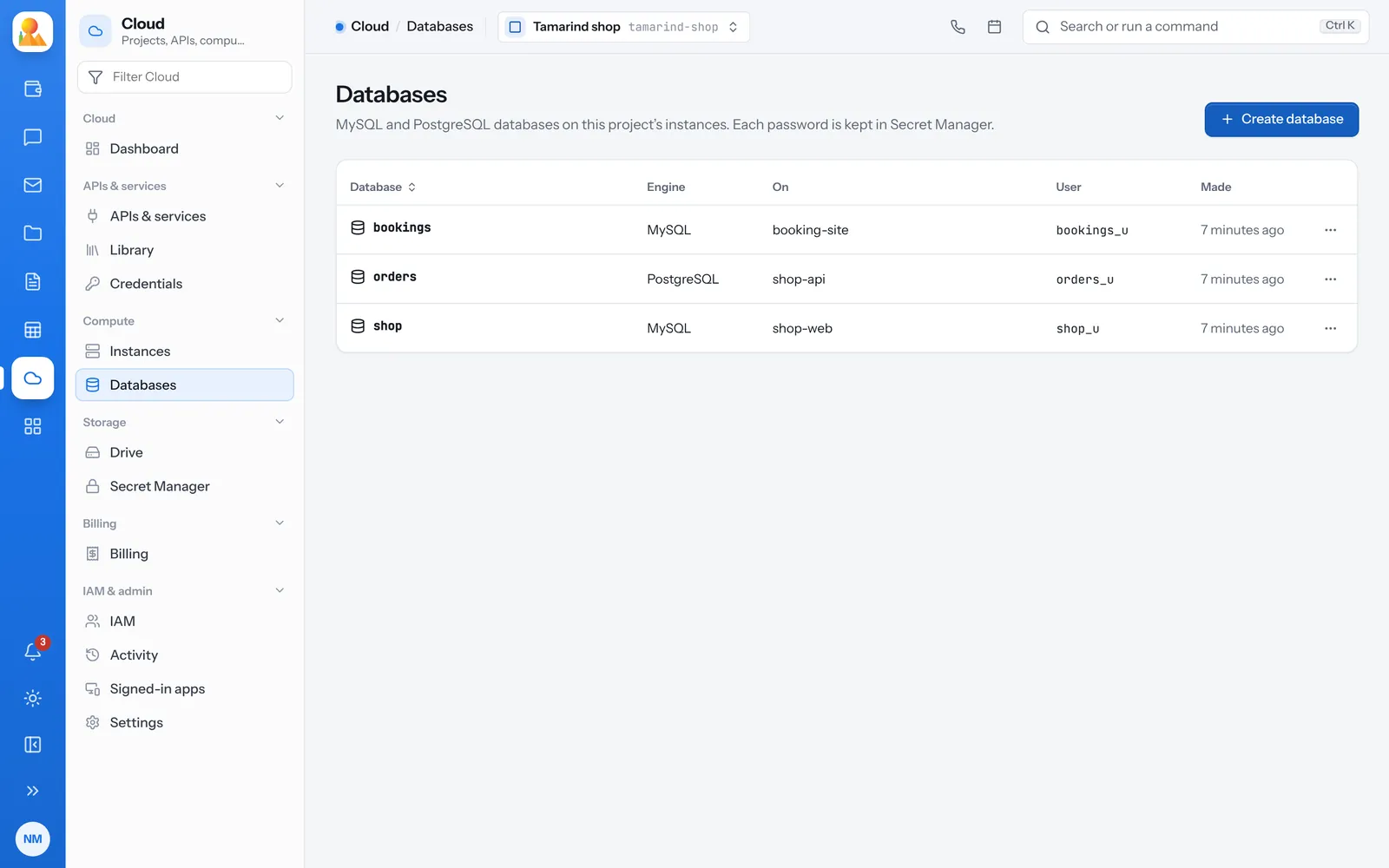
How it works
Simple on purpose.
A database belongs to an instance, so it sits next to the app that uses it.
-
Two engines
MySQL or PostgreSQL. Choose when you make the database. -
Passwords kept safe
Each database password is stored in Secret Manager, where reading it needs its own permission. -
Sized by the machine
How many databases an instance holds depends on its machine type. Resize it for more. -
Database admin role
Give someone databases only, without the rest of the project. -
Deleting asks first
You type the database’s name to confirm, so nothing goes by accident. -
In the activity log
Every database made or deleted is recorded with who did it and when.
Questions
Questions about databases.
MySQL and PostgreSQL.
In the project’s Secret Manager. Reading it needs the permission to read secret values.
It depends on the machine type; the pricing page lists each one’s limit.
Put a database next to your app.
Make an instance, then add a database to it.