Projects and access
Know who can do what, and what they did.
Organizations hold projects. Roles decide what each person may do, the activity log records every change, and budgets warn you, or stop paid APIs, before costs run away.
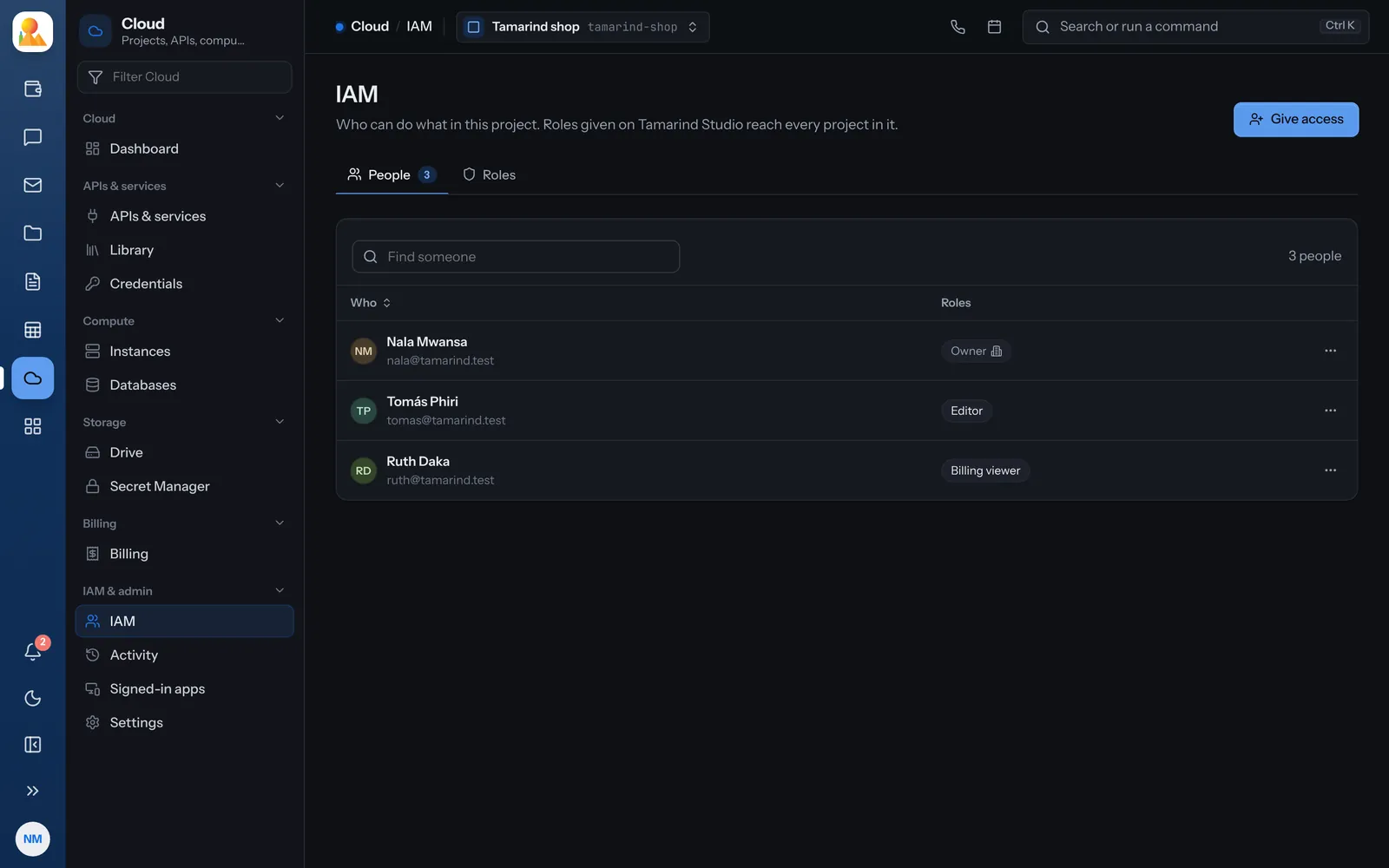
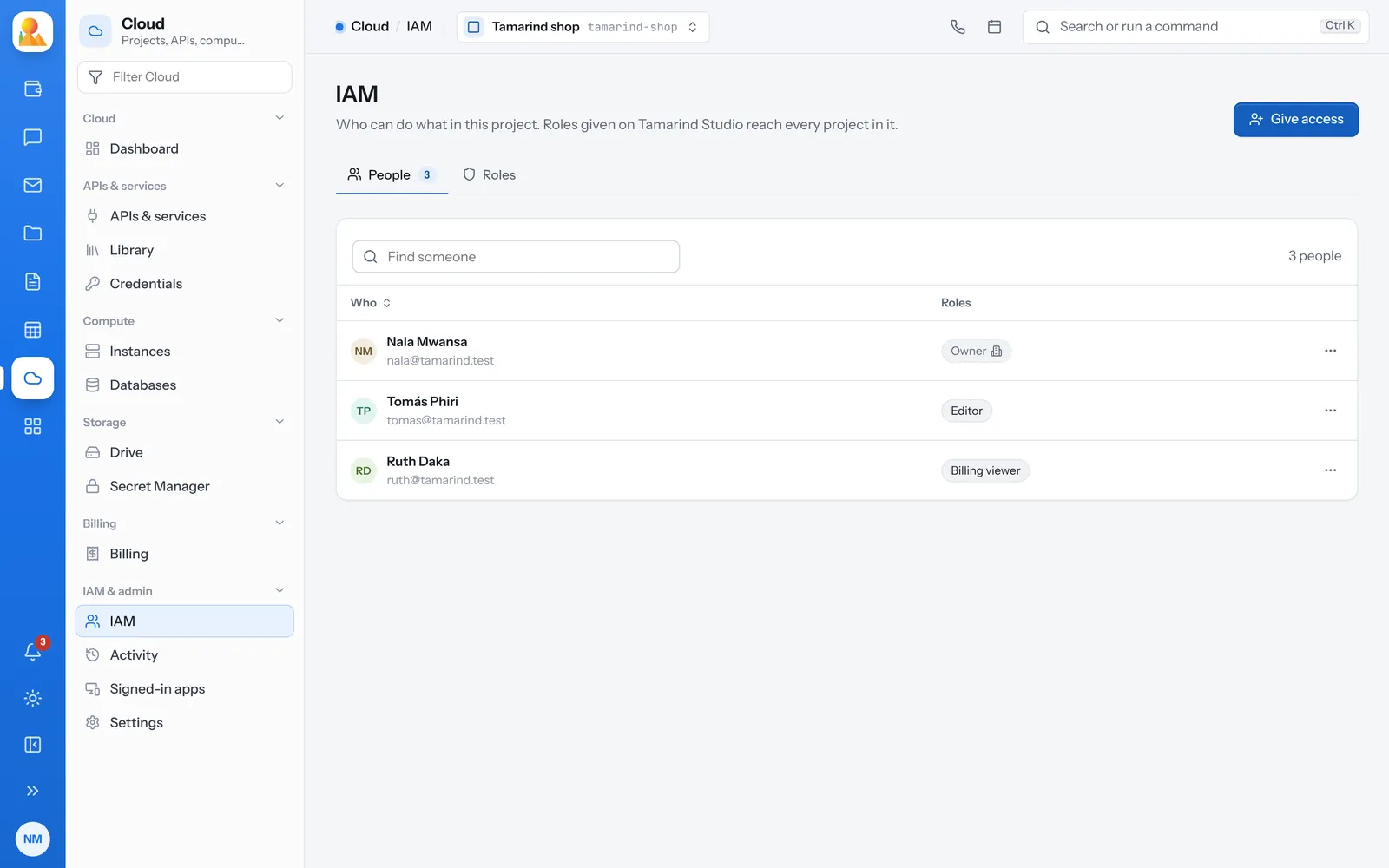
Roles from Owner to Secret reader.
Give a role on an organization to reach every project in it, or on one project. Access can be temporary.
-
Owner
Everything, including access and billing. The last owner of an organization can’t be removed. -
Editor
Changes everything except access, billing and shutting the project down. -
Viewer
Looks at everything and changes nothing. Never reads secret values. -
Narrow roles
Access admin, Billing admin, Billing viewer, API admin, Compute admin, Database admin, Drive admin, Secrets admin and Secret reader.
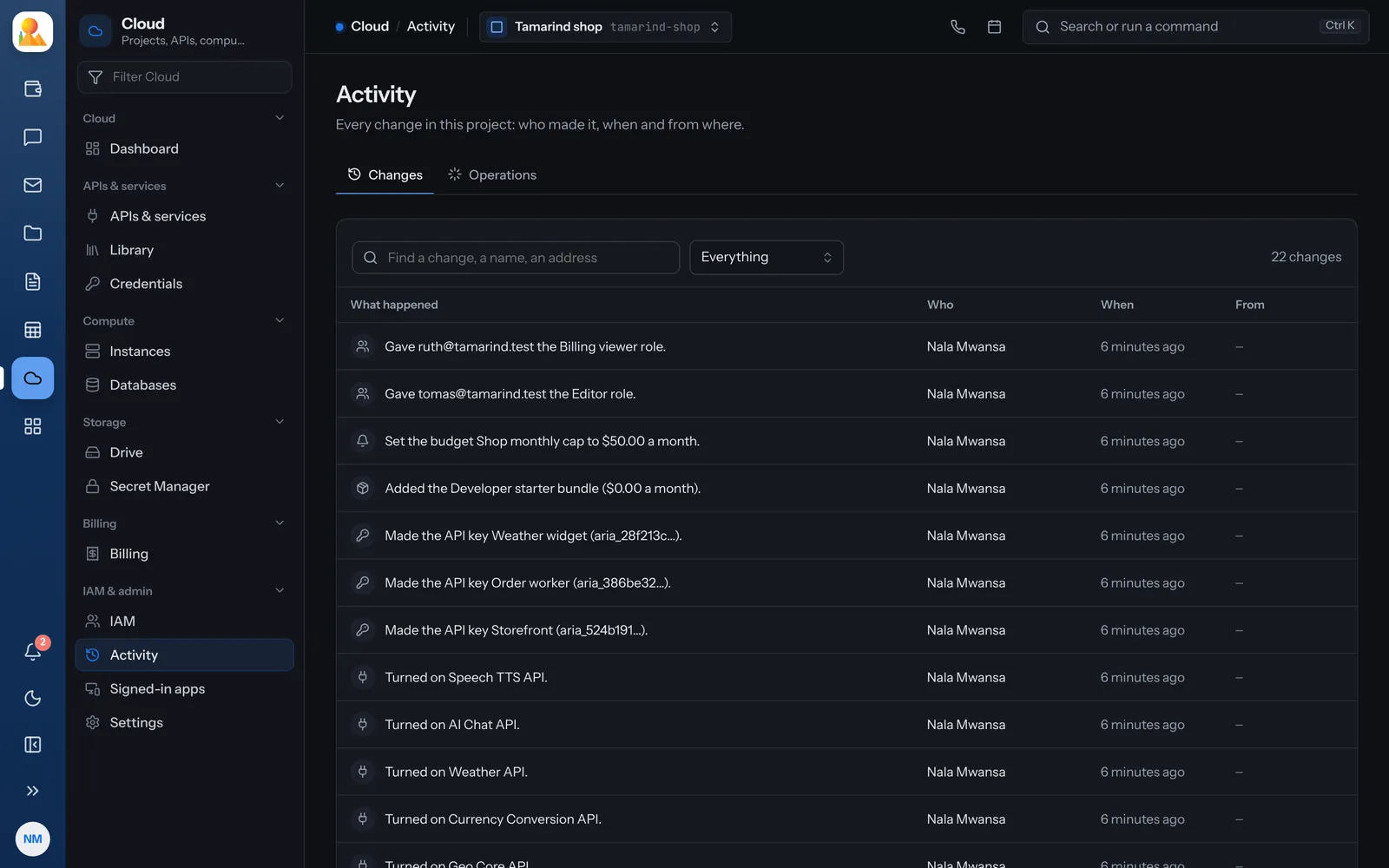
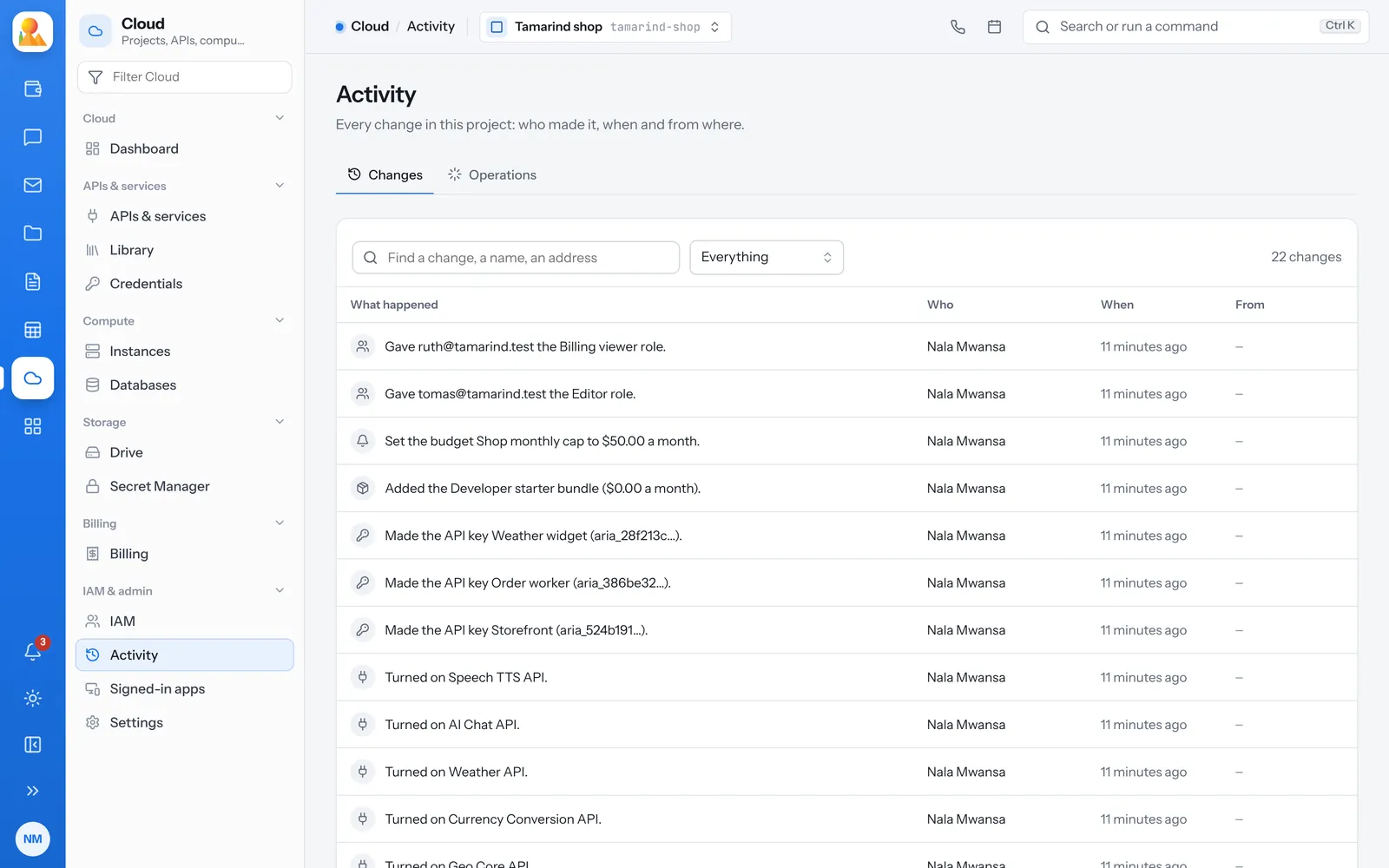
Every change, said once and kept.
The activity log shows who changed what, when and from where. Longer operations, like making an instance, show each step and how it ended.
- Search by name or address
- Filter by kind of change
- Undo for many changes, from the console
Budgets that can stop spending.
Set a monthly amount for a project or a whole billing account.
-
Warnings
The people who look after billing are told as spending passes each warning line, in the app and by email. -
Stop at the limit
A budget can turn the project’s paid APIs off for the rest of the month. Raising it turns them back on. -
Shut a project down
It stops serving at once and is kept for 30 days, so it can be restored.
Questions about projects and access.
The place a set of APIs, keys, instances, databases, drives and secrets live, with its own people, costs and activity.
Yes. Access can be given until a date.
It warns at each line you set, and if you choose, turns the project’s paid APIs off until the next month or until you raise it.