APIs and keys
An API library, and keys you control.
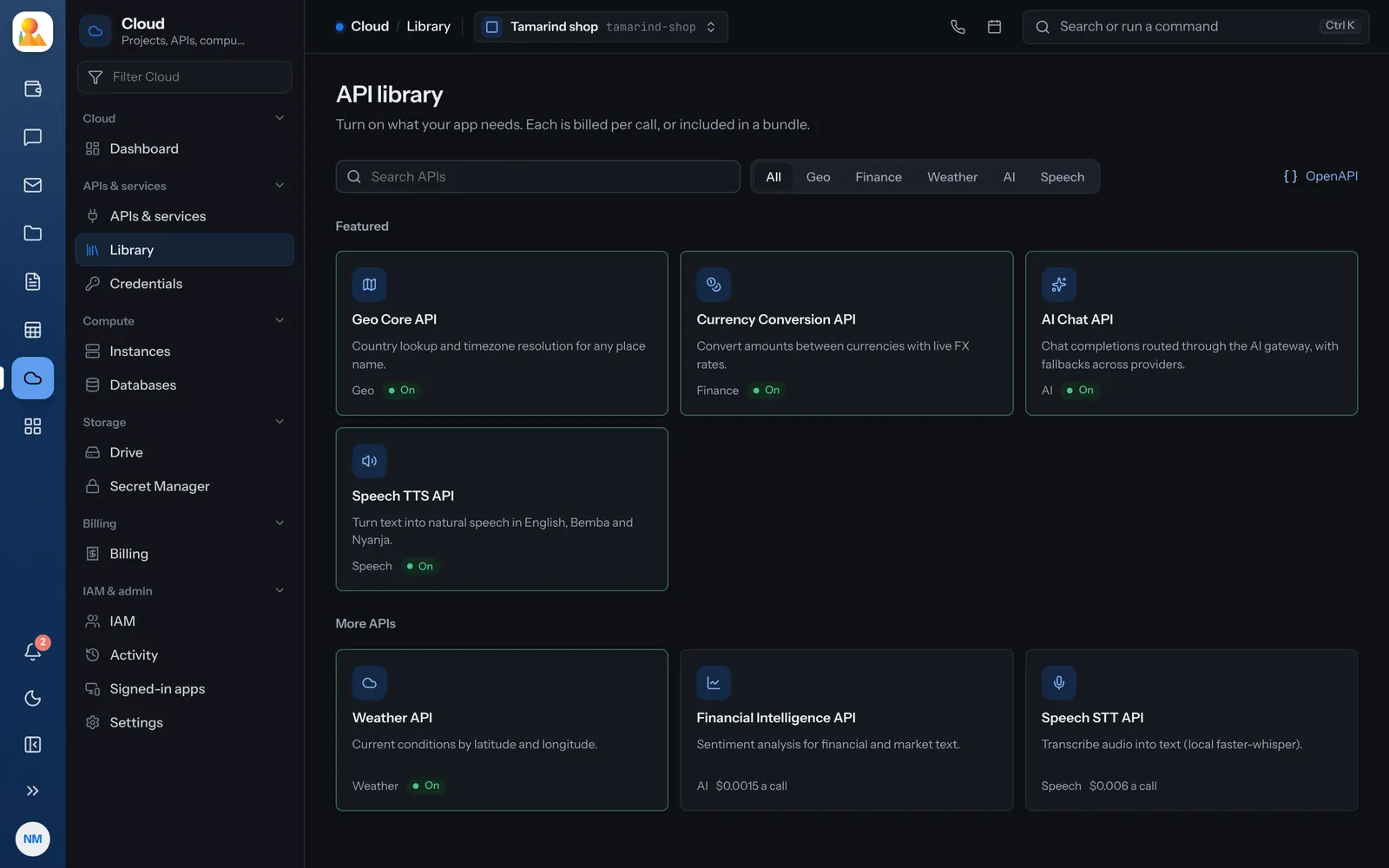
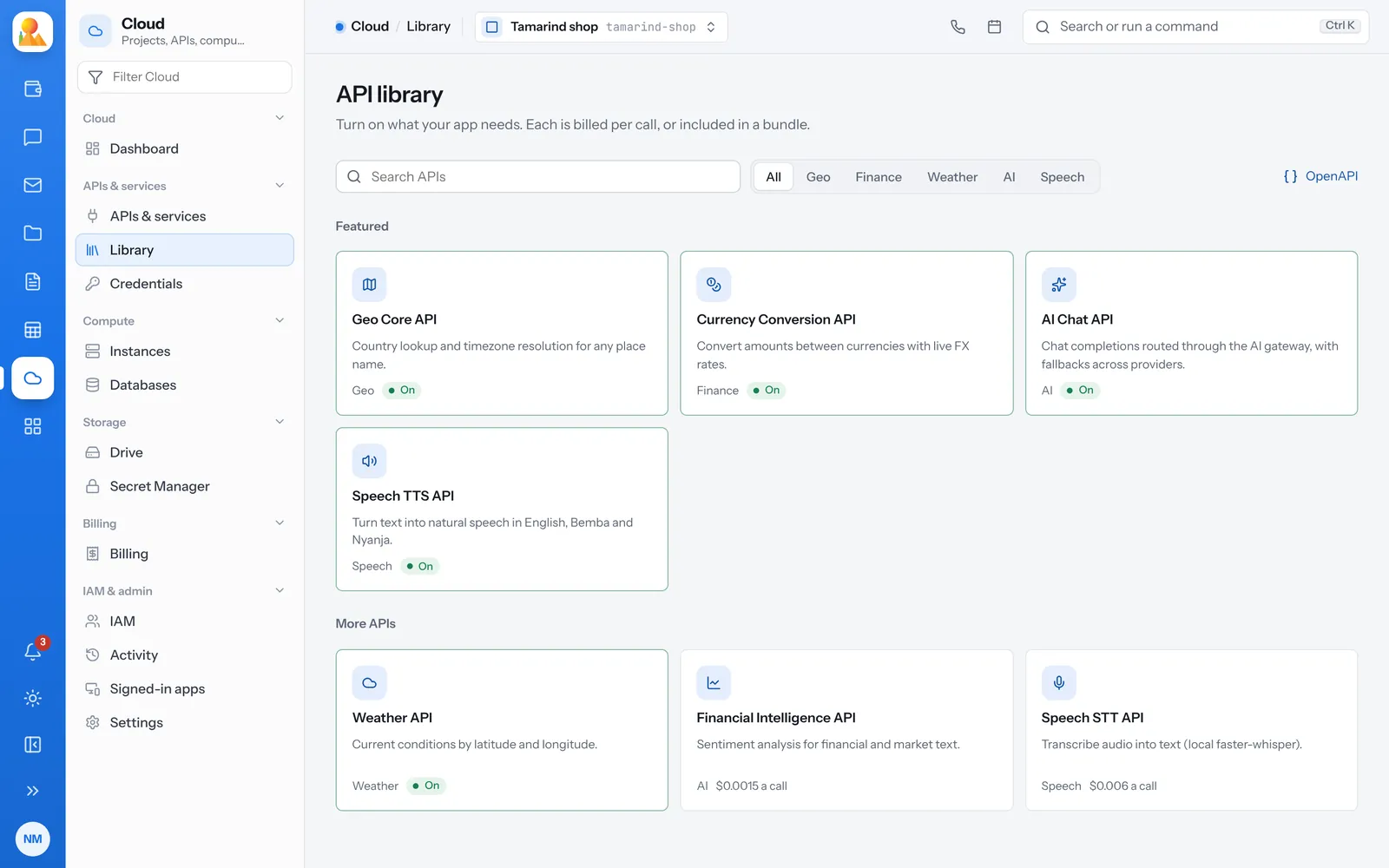
Turn on the APIs your app needs from the library: geo, currency, weather, financial sentiment, AI chat and speech. Then call them with project keys you can restrict, limit and rotate.
Hold each key to what it should do.
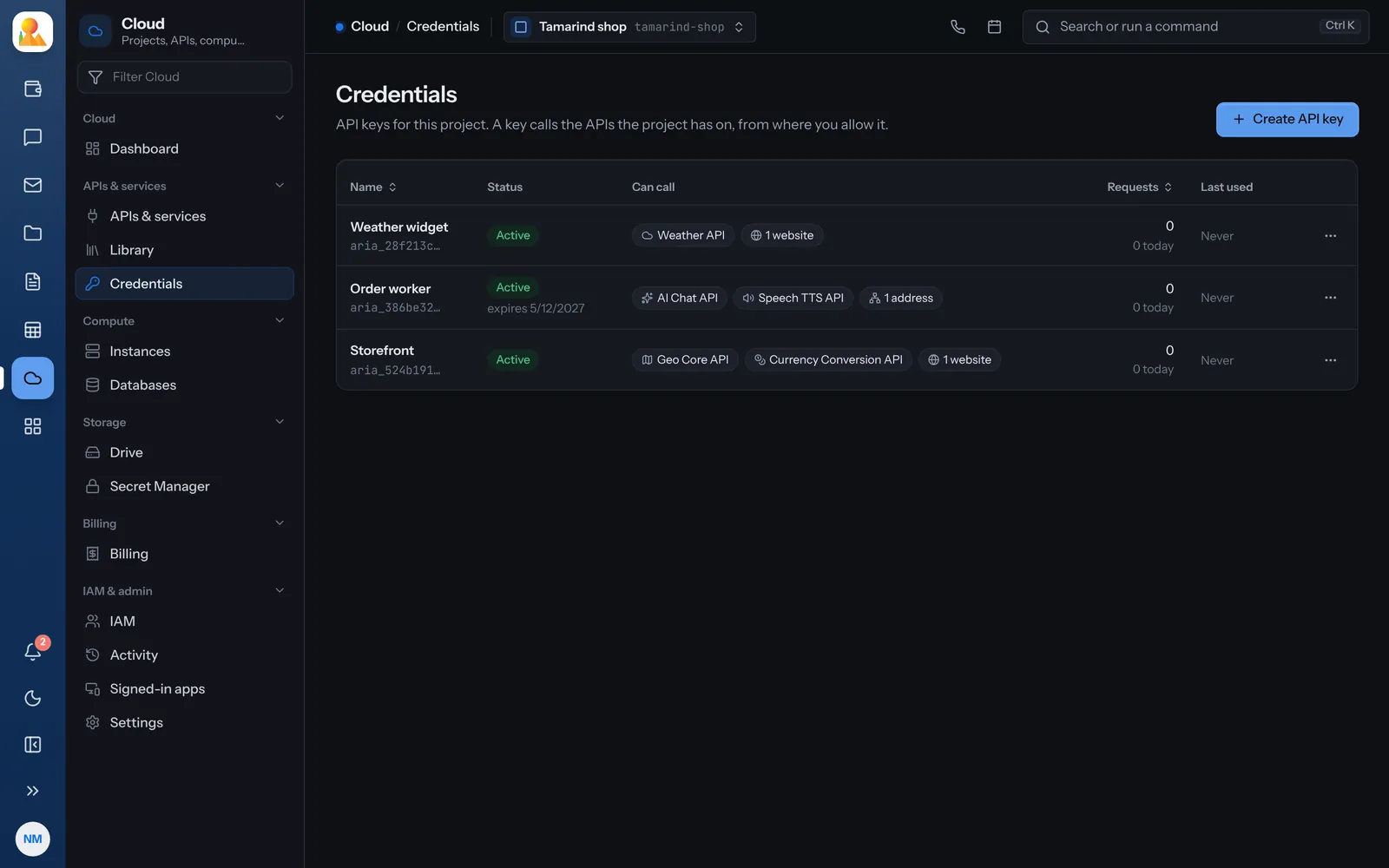
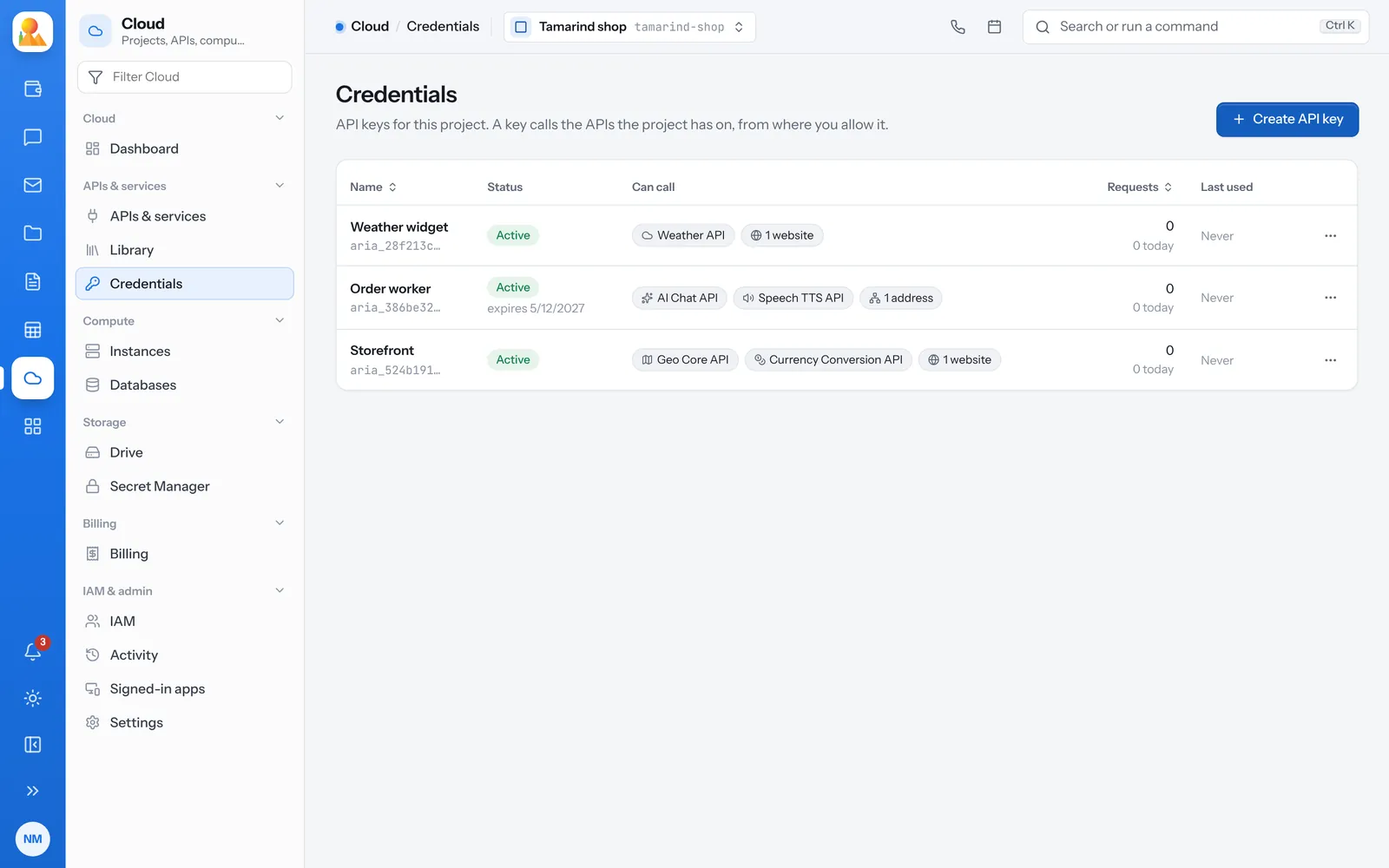
A key made in the console calls every API the project has on, or only the ones you pick.
- IP addresses or ranges, and websites like *.example.com
- An expiry date and a daily limit
- The secret is shown once and stored only as a hash
- Rotate with a grace period of up to seven days, and undo it
See what each API is doing.
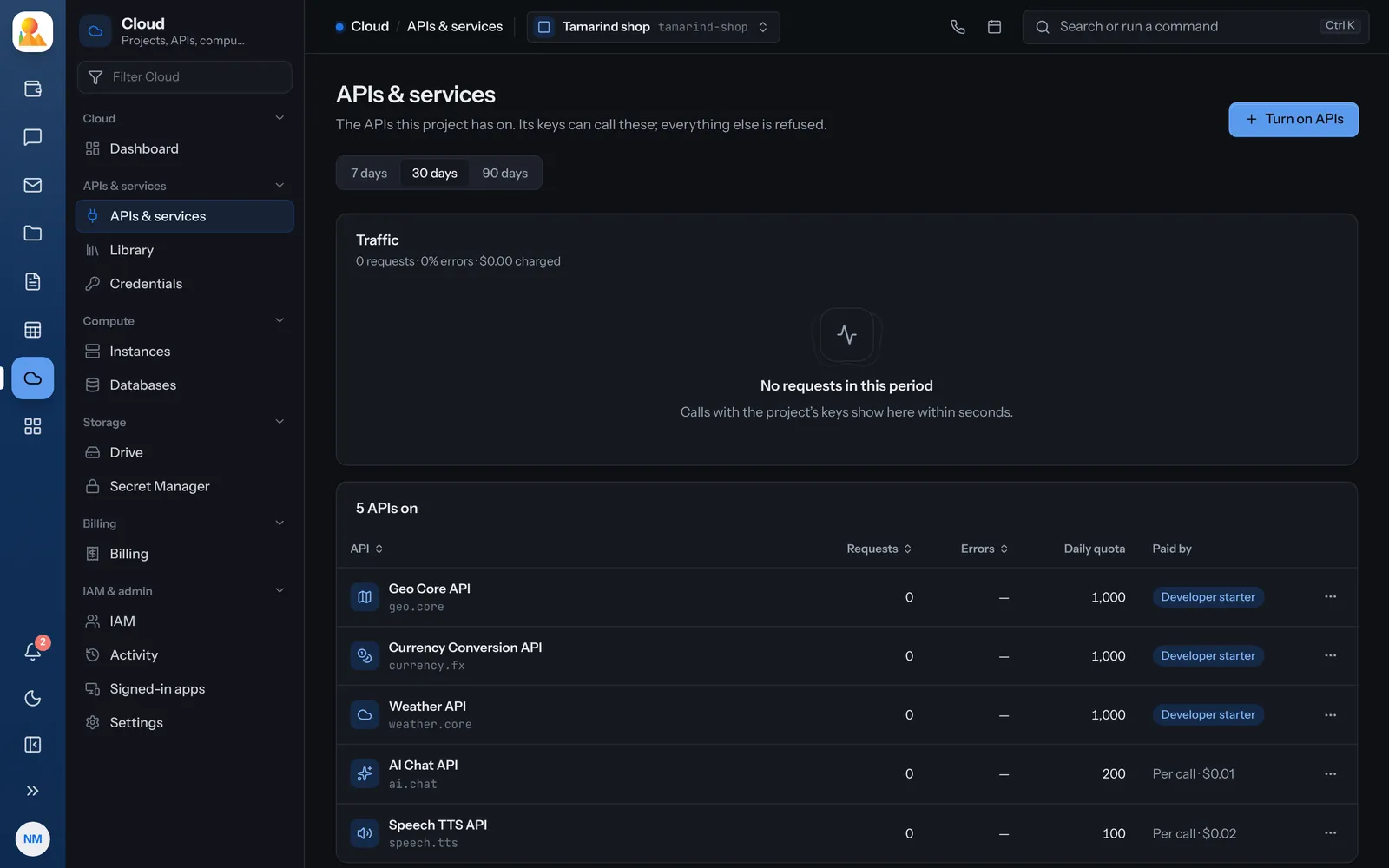
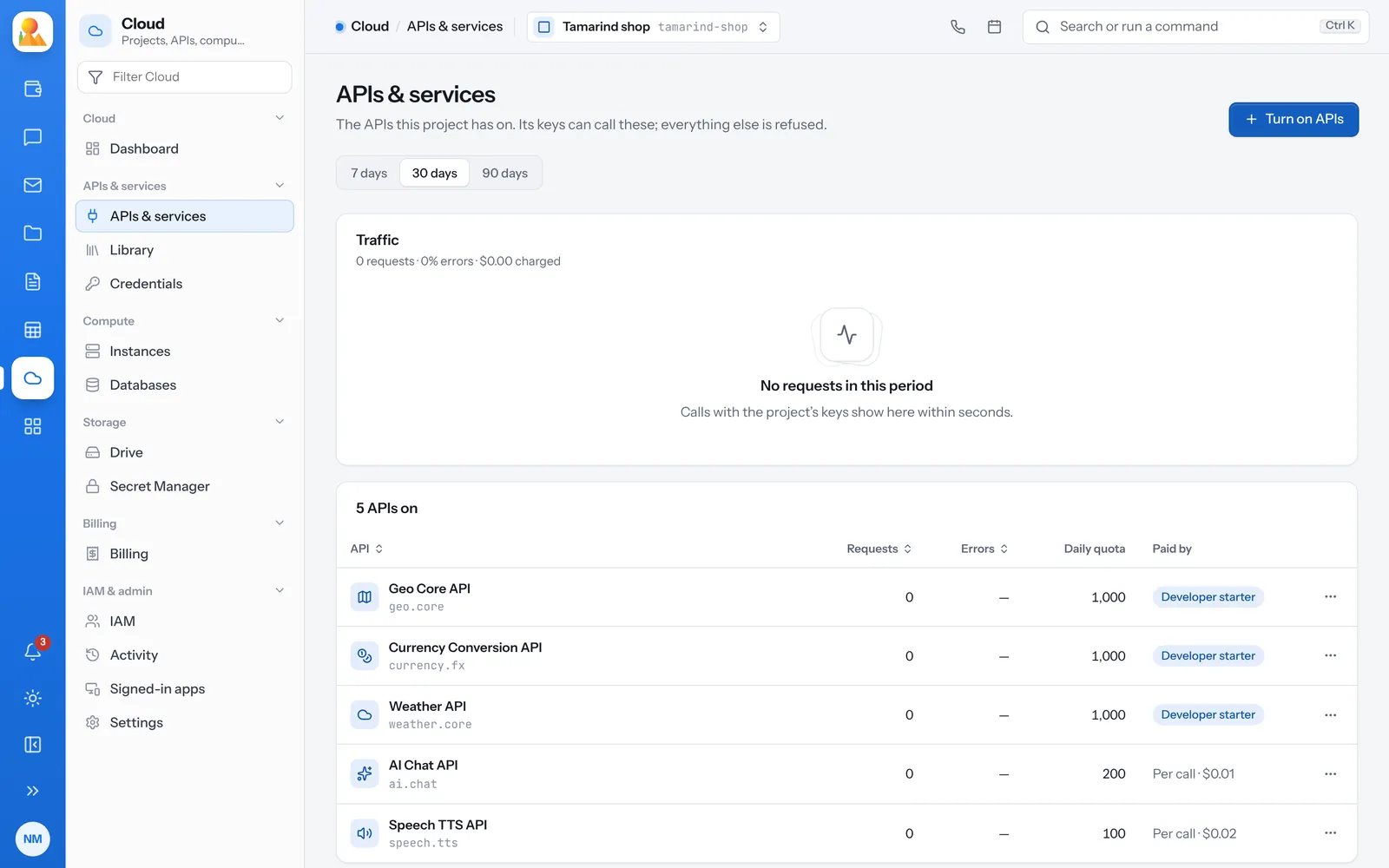
APIs and services shows each API on in the project with its requests, errors and daily quota, and whether a bundle or per-call pricing pays for it.
- Turning an API off stops every key from calling it at once
- Turning it back on keeps its keys and quota
- Over the daily quota, calls get 429 until the next UTC day
One way to call every API.
Send the key in a header. Every API is described in OpenAPI.
curl "https://cloud.broos.io/api/cloud/weather/now?lat=-15.4&lon=28.3" \ -H "Authorization: Bearer $CLOUD_KEY"-
401
No key was sent, or the key is wrong. -
403
The key is real, but the project’s rules refuse the call. The message says which rule. -
429
The daily quota is used up.
Questions about APIs and keys.
Geo, currency conversion, weather, financial sentiment, AI chat, text to speech and speech to text.
As Authorization: Bearer followed by the key, or in an X-API-Key header.
Every API has an OpenAPI document; all of them are at /api/cloud/openapi.json.
Rotate it. The old secret keeps working only for the grace period you choose, then it is refused.